How to clone an existing project
-
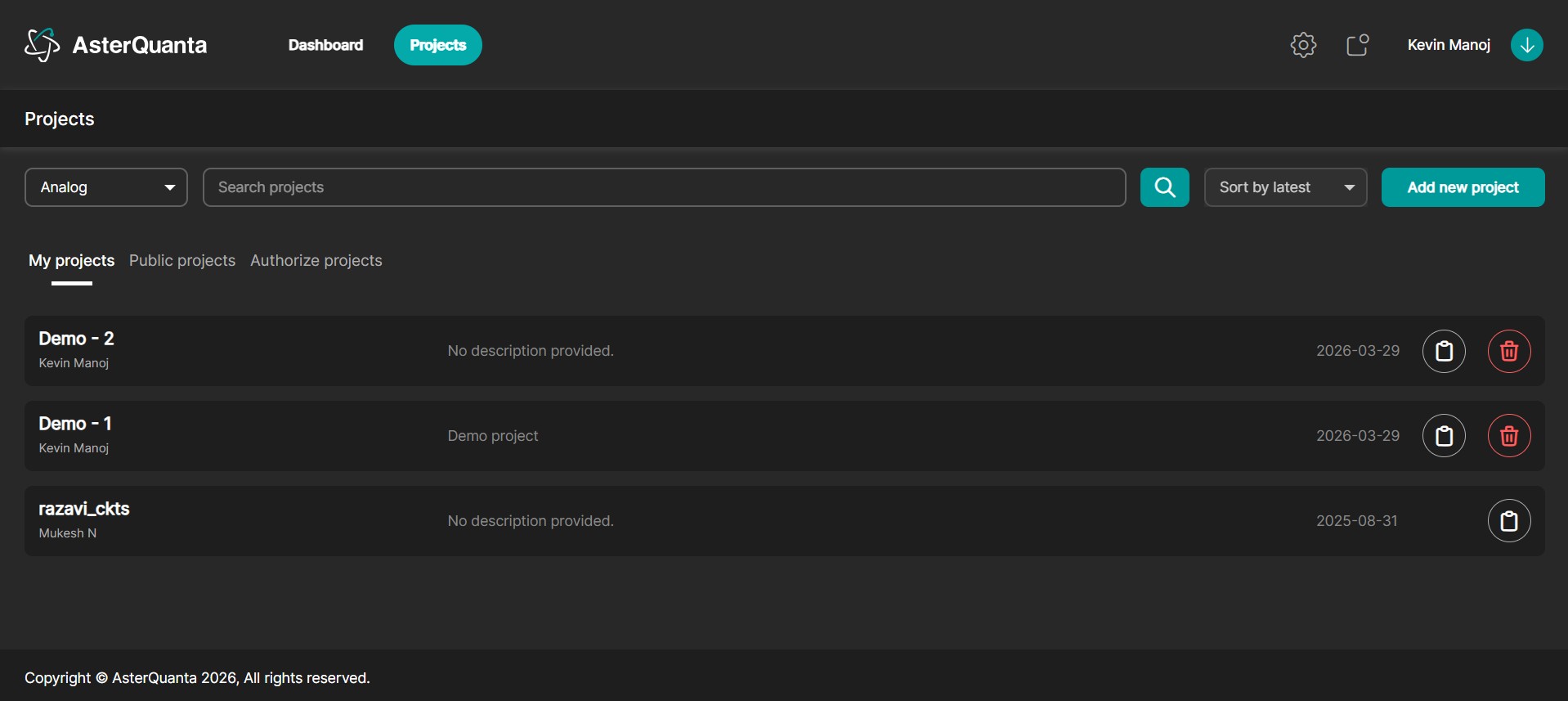
Navigate to the Projects section.
-
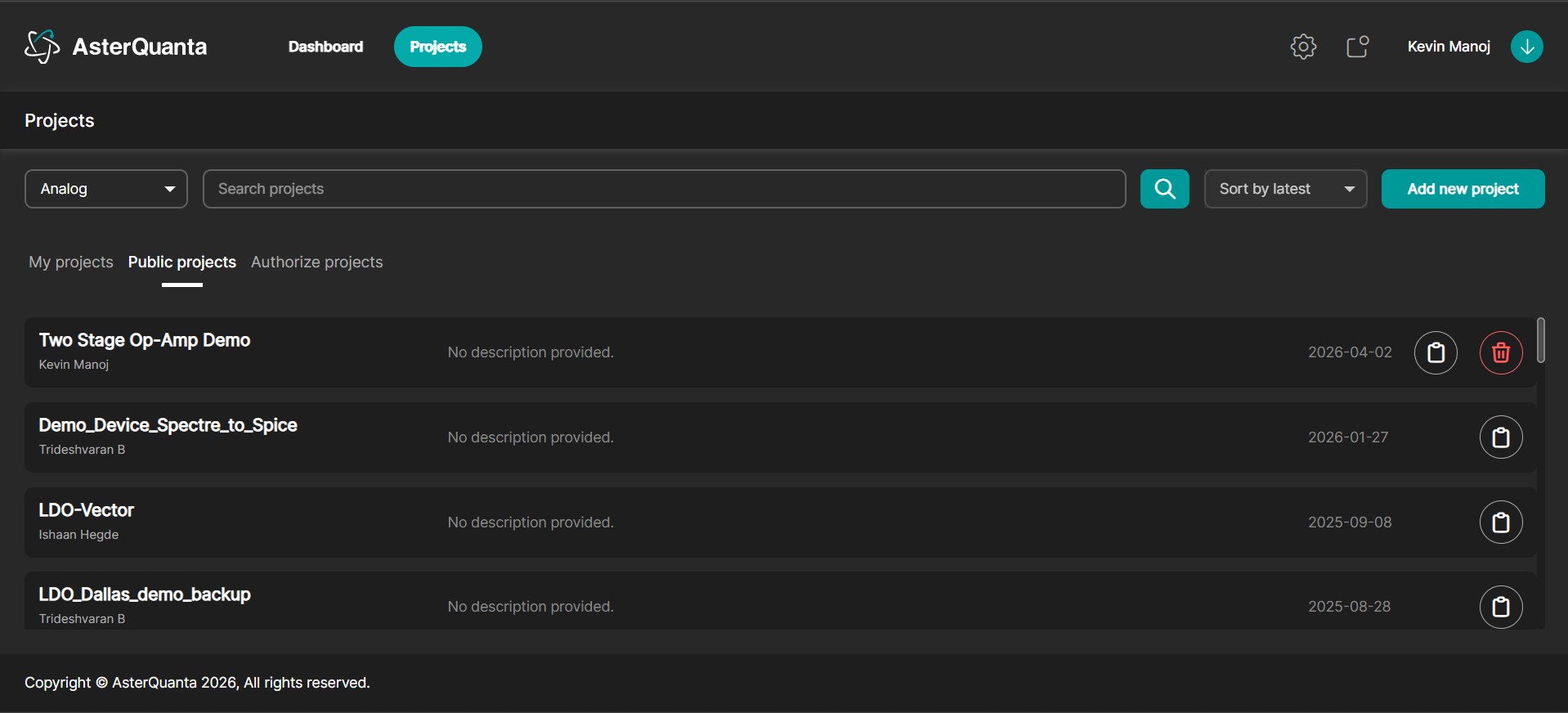
Go to the Public Projects tab.
info
For this tutorial, the Two Stage Op-Amp project is used as the reference example for cloning.
-
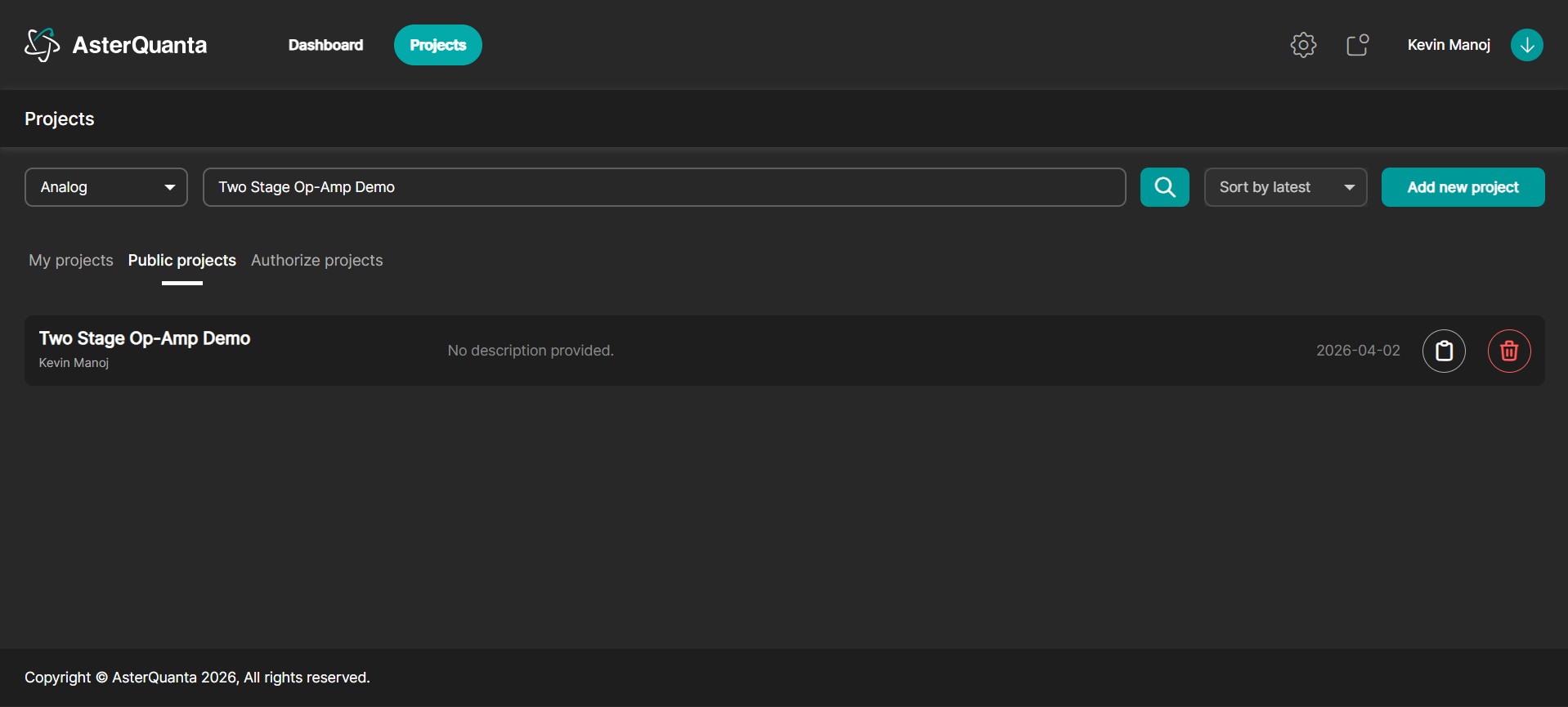
Search for "Two Stage Op-Amp Demo."
-
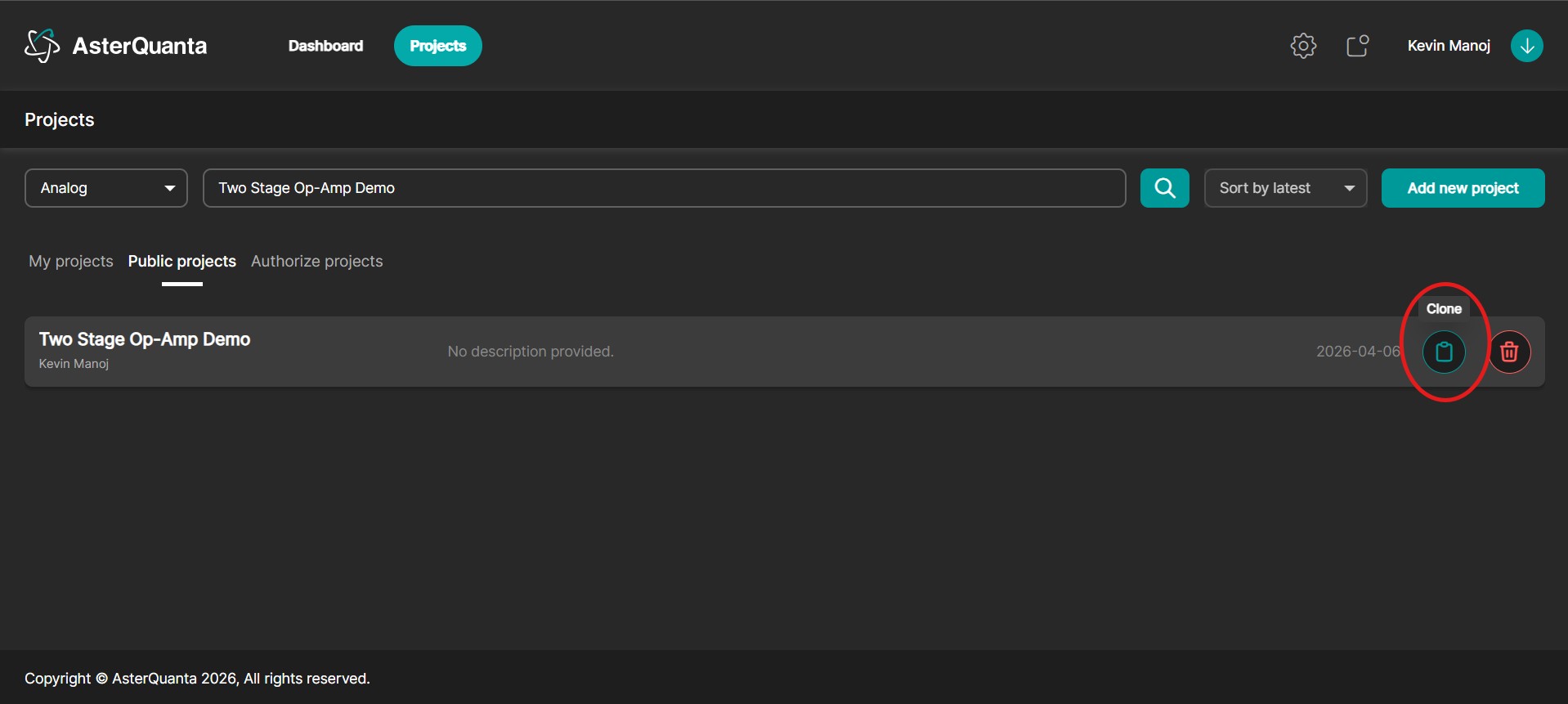
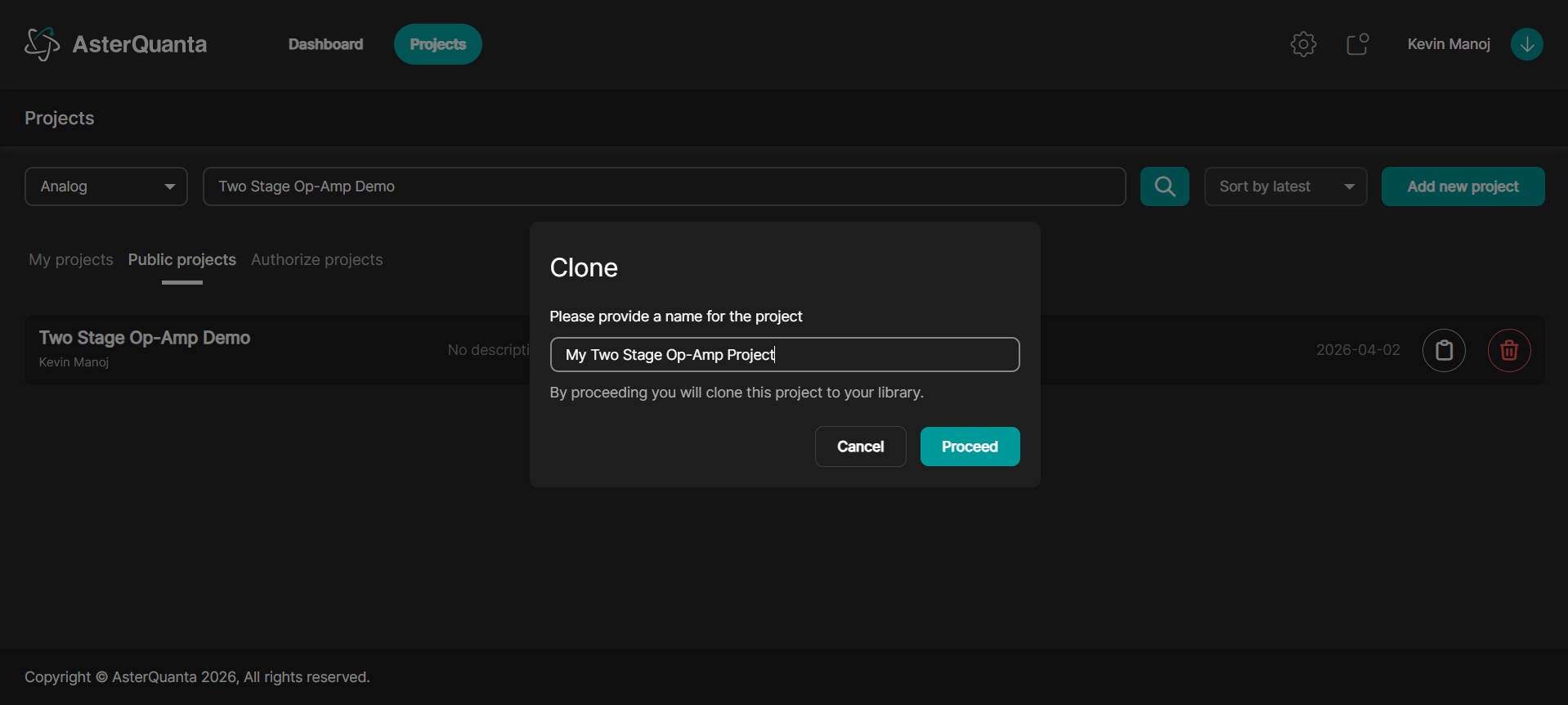
Click on Clone for the selected project.
-
Upon clicking Clone, you will be prompted to enter a name for the new project.
-
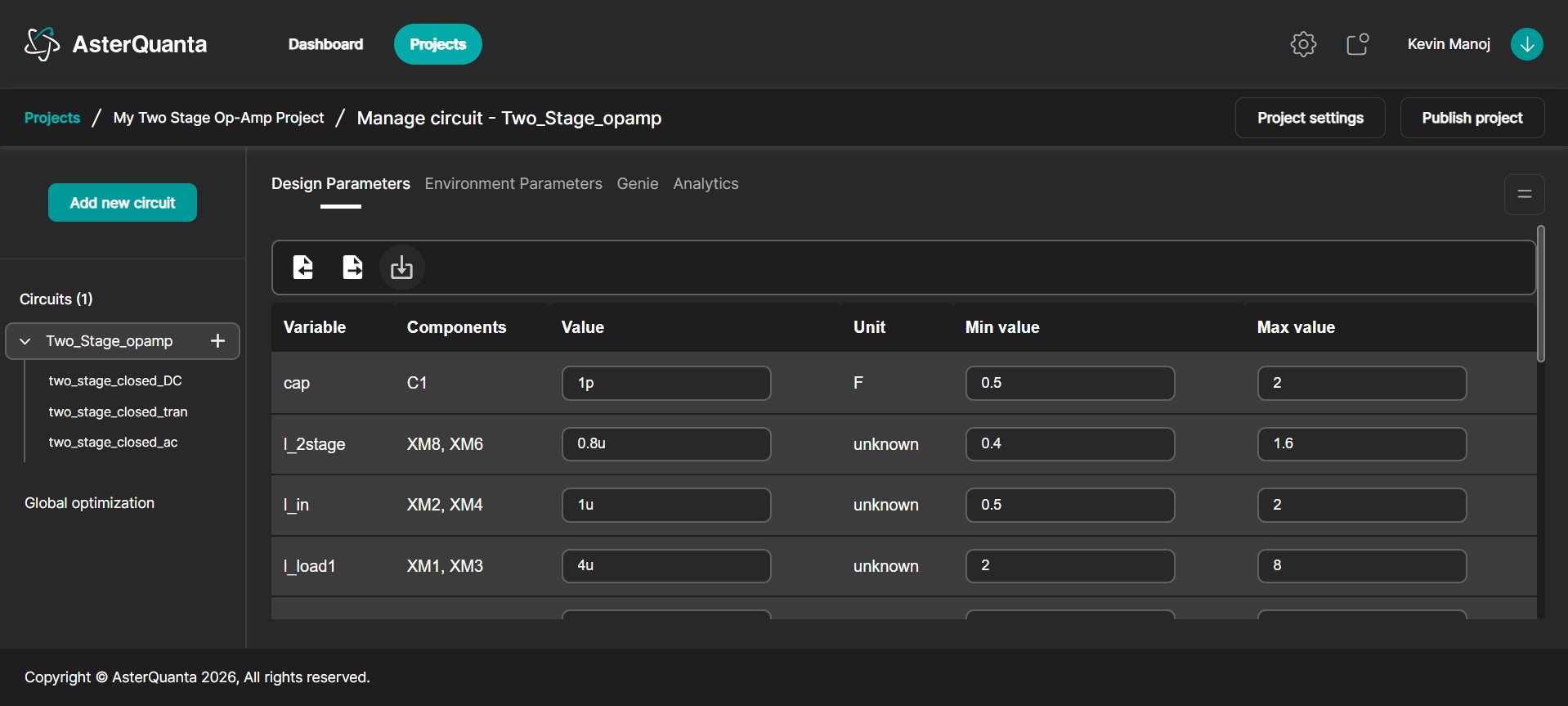
After entering the name, the platform automatically creates and opens the cloned project.
-
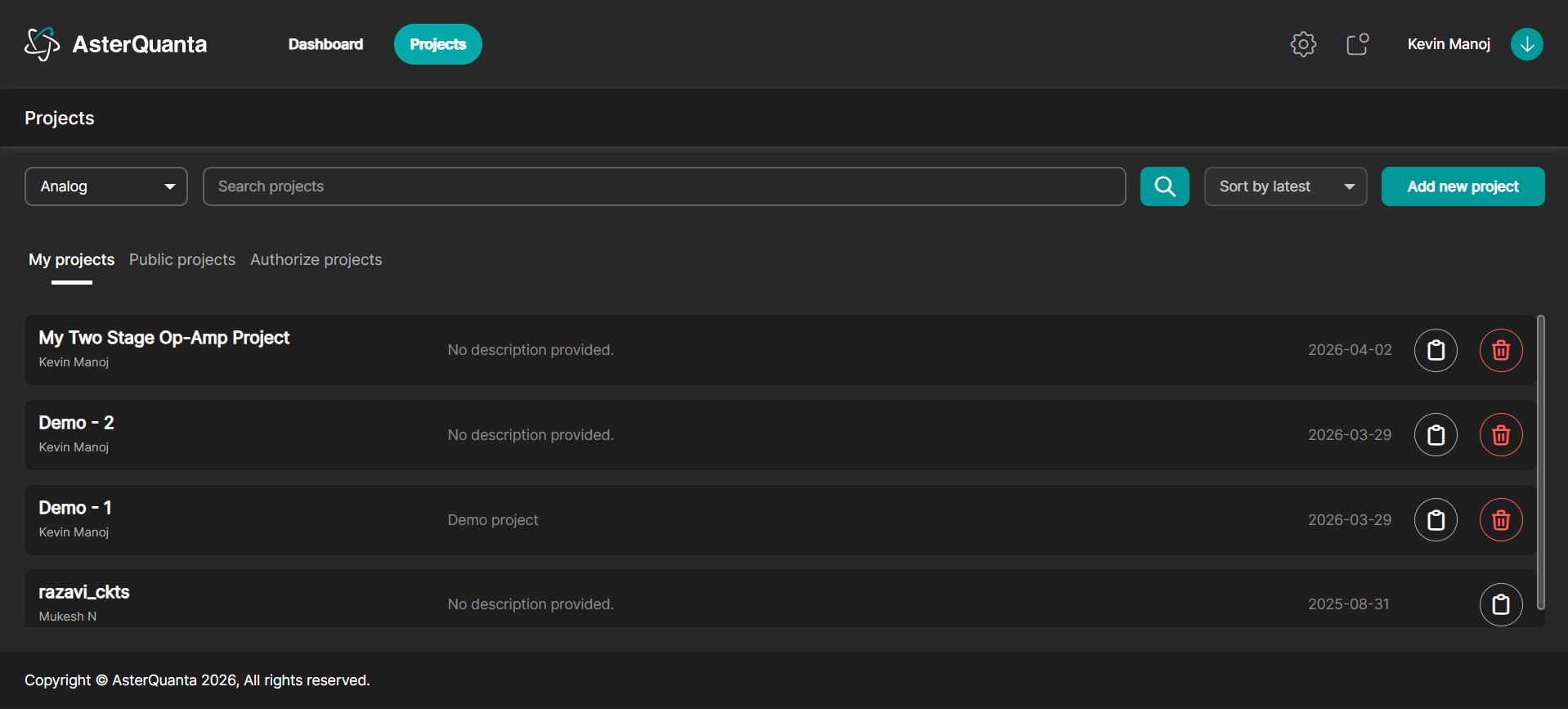
The cloned project will be available under the My Projects tab for further use and modification.
-
The cloned project includes pre-configured circuits, allowing you to directly perform optimization using AI agents without needing to upload or set up the circuits manually.